What is Garmin Pay™?
Garmin Pay™ is a contactless payment and withdrawal service available on Garmin smartwatches that allows transactions to be made directly with the smartwatch.
Which cards can be added?
Any Mastercard debit and/or credit card, issued by UniCredit Bulbank to an individual or legal entity, can be added to Garmin Wallet for payment with Garmin Pay™ on a Garmin smartwatch for the purpose of making contactless payments in the commercial network, as well as withdrawals from contactless ATM devices.
How can you add your debit or credit card to pay with Garmin Pay™?
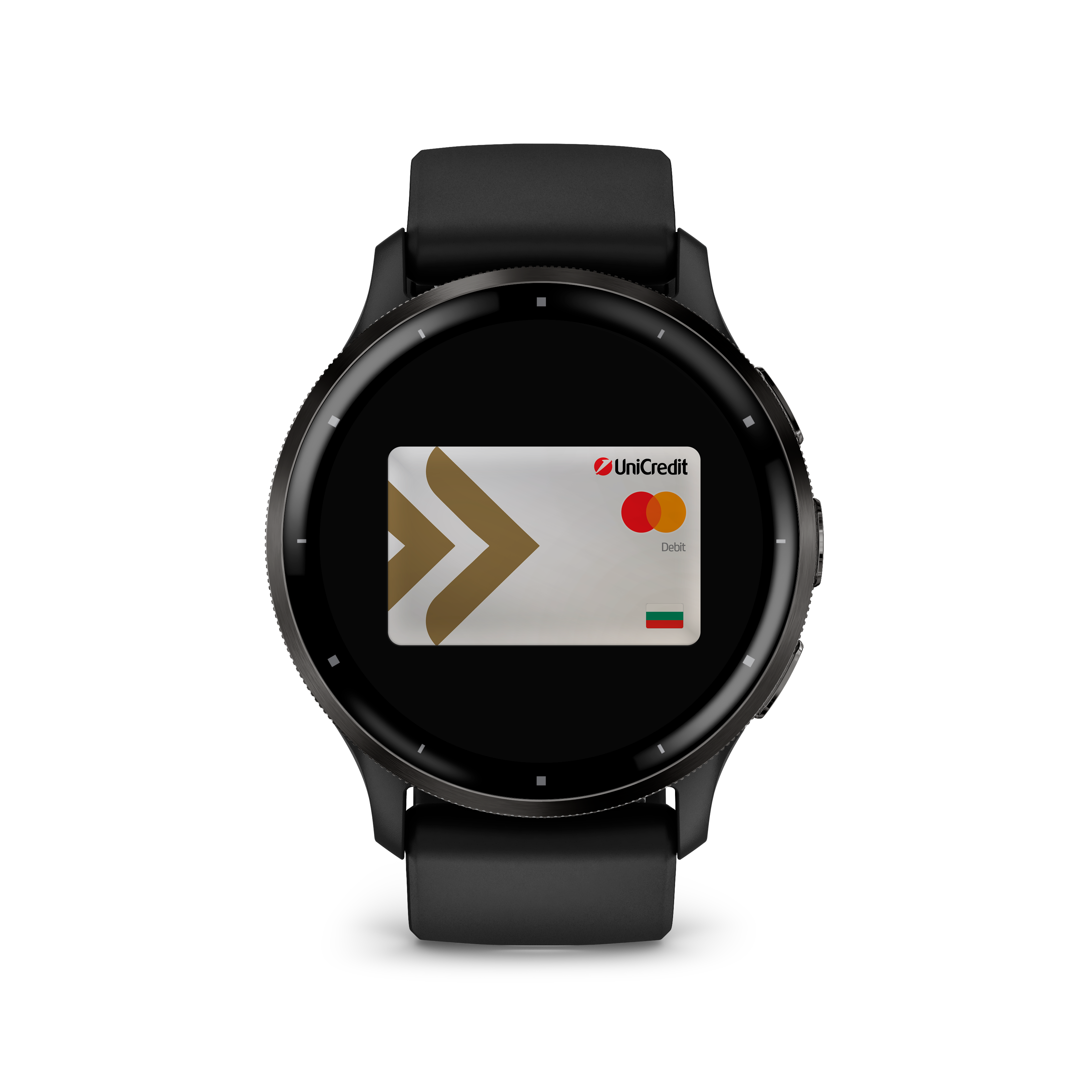
To add your card, you need to:
- Own a Garmin smartwatch with Garmin Pay™ functionality*;
- Have a Mastercard debit or credit card issued by UniCredit Bulbank;
- Download and install the Garmin Connect Mobile (GCM) app from Google Play Store or App Store;
- Register your card in the GCM app by selecting Wallet;
- When you add your card, you will need to select a 4-digit PIN to enter for security purposes and use when paying with Garmin Pay™;
- Follow the app on-screen instructions, which will require you to enter your card details manually and agree to our Terms and Conditions;
- At the final step of the process, you will need to contact us on 02 9337 277 to confirm that the digitization of the card originated from you.
- That is it! The card is ready for use and visible in your digital wallet on the watch.
*More information on which Garmin watches can be used for Garmin Pay™ can be found at www.garmin.com
Frequently asked questions
You could add up to 10 cards to your Garmin women's or men's watch.
You can pay with your Garmin Pay™-enabled device wherever a contactless POS terminal is available, in the country or abroad and the contactless payment symbol is indicated.
The first time you log into the digital wallet on your Garmin device, you will be asked to enter the PIN you selected (this is not your bank card PIN) that you entered when you digitized your first card. Once you have successfully entered the PIN on your watch, you can make payments/withdrawals without it within 24 hours while it is still on your wrist. If you take the watch off your wrist, or if you turn off heart rate tracking, you will be asked to re-enter your PIN.
- It is fast, easy and secure to pay. For this purpose, you need to activate the digital wallet on your watch by pressing the main button on the Garmin watch or by touching the icon on the screen. If you have already entered your password, if one has been requested, you can pay immediately with the last card you used;
- Tap and hold your device to the contactless POS terminal.
- Upon successful payment, a symbol for successful card reading will be displayed on the device screen, the POS terminal will beep and print a receipt for the transaction.
- Select the main button on your Garmin device to call up the digital wallet. In case you have not used your device for 24 hours or have removed it from your wrist, when you select the wallet, you will be asked to enter the password that you created when you installed the app;
- Upon successful entry of your password, you can tap and hold your device to the contactless reader on the ATM;
- After a successful "wake-up", the ATM will beep and a symbol for successful reading of the digitized card will be displayed on your device;
- Follow the menu and select the amount you want;
- According to the ATM software (at the end or beginning of the transaction), you will be asked to enter the PIN of the actual card;
- Upon successful entry of the PIN, the ATM will give you the desired amount and print a receipt for the transaction.
Garmin Pay payments are considered a secure way to make purchases with your Garmin watch. Here are some of the main reasons for this:
- Card numbers are not stored on the device or on Garmin's servers;
- The first time you log in, if it has been 24 hours since you last used your device with authentication or removed the watch from your wrist, you will be asked to enter your password that you created when you installed the app.
- If the password is entered incorrectly three times, the watch wallet is locked and payments cannot be made with it.