One app, endless possibilities
With Bulbank Mobile, you gain access to banking and additional services in one place. Once you activate the app, you can open products, manage your finances, and use features such as “My Car”, without needing to have an existing account beforehand.
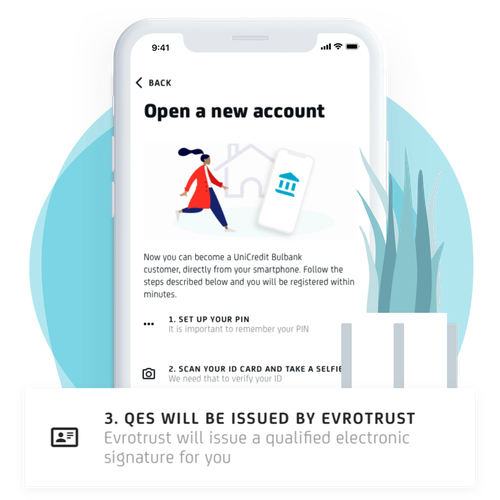
Get started in just a few easy steps
Activate Bulbank Mobile remotely by following the instructions in the app.
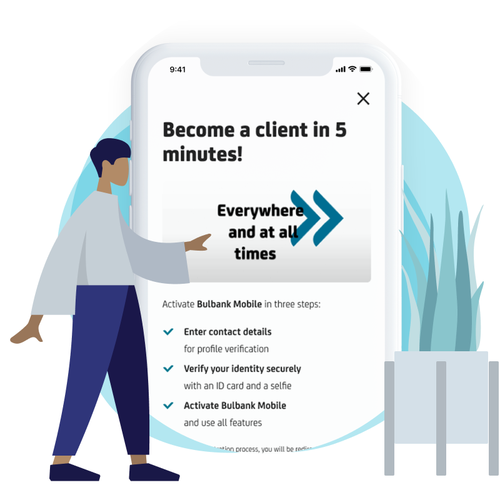
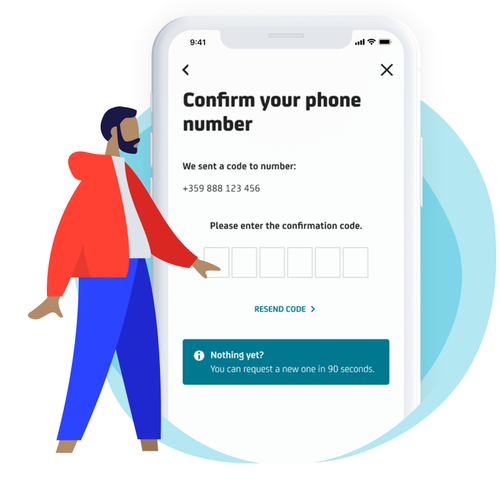
Verify your contact details
Enter and confirm your mobile phone number and email address.
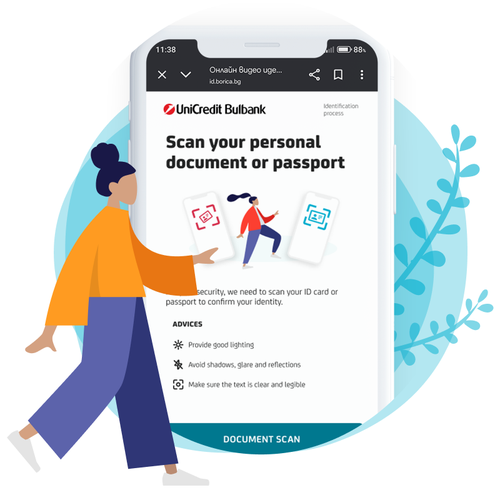
Verify your identity
Take photos of your identity document and complete the remote identification process directly within the app.
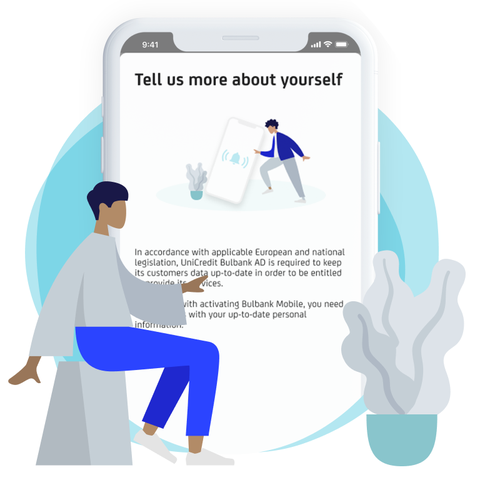
Fill in the required information
Familiarize yourself with the required documents and complete your registration entirely online.
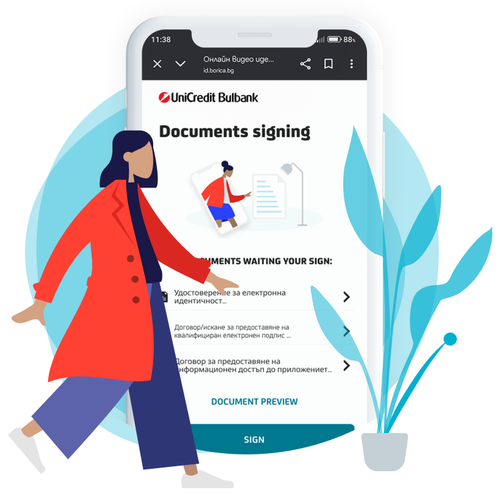
Review and Confirm the Documents
Review the required documents and complete your registration entirely online.
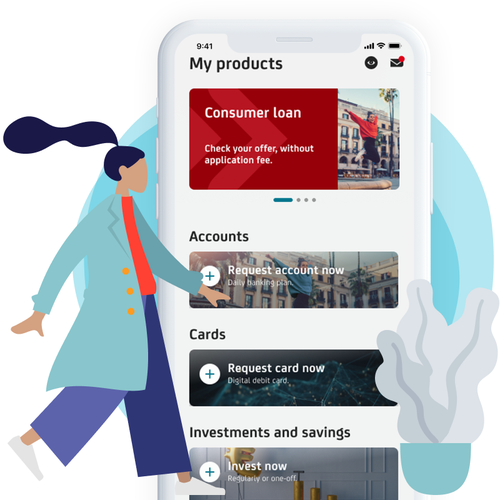
Gain access to Bulbank Mobile
Once the process is successfully completed, you can start using the available features and services in the app.
Help Center
How to make money transfers?
Need to send money to a friend or want to transfer money between your own accounts? See how you can do this in a few steps.
How can I activate M-token?
Ensure yourself with peace of mind and convenience when signing payments and transactions in Bulbank Online with M-token by installing it now.
How can I get dynamic password for online payments?
Do you shop online and need a dynamic password to complete your payment? See how to get it.